Building a High-Performance Digital Study Workspace

Why your digital setup dictates your focus
Recent studies on digital ergonomics suggest that even small disruptions in a student's digital environment can lead to significant cognitive load increases. Most students treat their laptops as a simple portal to textbooks, but your computer is actually your primary office. If your desktop is a graveyard of unorganized PDFs and your browser tabs are screaming for attention, your brain is working harder just to keep track of your tools than it is on the actual coursework. This post covers how to structure your digital files, browser, and hardware to minimize friction during long study sessions.
A disorganized digital space creates a subtle, constant drain on your mental energy. You might not notice it immediately, but when you spend five minutes searching for that one specific lecture slide, you've already broken your flow state. The goal isn't to be a perfectionist; it's to build a system that makes starting your work feel effortless rather than a chore.
How do I organize my digital files for college?
A common mistake is saving every single assignment to the desktop. While it feels fast in the moment, it's a recipe for disaster during finals week. Instead, adopt a hierarchical folder structure that mirrors your semester. You should have a top-level folder for the current academic year, with sub-folders for each specific course. Inside those course folders, create categories for: Lectures, Readings, Assignments, and Reference Materials.
Using a consistent naming convention is also vital. Don't name a file "Final_Draft_v2.docx." Instead, use a format like "[CourseName]_[AssignmentName]_[Date].docx." This makes the search function on your computer much more effective. If you're working on a collaborative project, version control becomes even more important to prevent overwriting a teammate's work. You can look at documentation from educational standards to see how professional researchers manage large datasets, and apply those same principles to your academic files.
What are the best browser habits for students?
The browser is where most of your academic life happens, yet it's also the biggest source of distraction. If you have twenty tabs open—half of which are YouTube or social media—you're inviting procrastination. To combat this, try using separate browser profiles or different browsers entirely for work and leisure. For example, use Chrome for your heavy-duty research and Firefox for your personal browsing. This keeps your academic bookmarks and history isolated from your distraction-prone habits.
Consider these three browser-based strategies:
- Tab Grouping: Most modern browsers allow you to group tabs by project. This keeps your workspace clean and visually separates your chemistry research from your history essay.
- Extension Discipline: Only use extensions that actually help. Tools like Zotero are great for managing citations, but too many productivity extensions can actually slow down your browser and your brain.
- The One-Tab Rule: When you're in deep work mode, try to keep only the tabs necessary for the current task open. If you find an interesting article but can't read it now, use a bookmarking service rather than leaving the tab open.
A cluttered browser is a cluttered mind. By segregating your academic research from your entertainment, you create a mental boundary that signals to your brain: "We are working now."
How can I reduce digital distractions while studying?
Distraction isn't just about willpower; it's about environment design. If your phone is sitting next to your laptop, you've already lost the battle. Even if you aren't looking at it, the mere presence of a smartphone reduces cognitive capacity. Put your phone in another room or a drawer. If you must have it nearby, use a focus mode that restricts all non-key notifications.
Beyond the phone, your computer environment matters too. A clean desktop background and a minimalist taskbar can reduce visual noise. If you find yourself constantly clicking away to news sites or social media, consider using a site blocker. Tools like Freedom.to can block specific websites across all your devices during scheduled study blocks. This takes the decision-making out of the equation—you don't have to fight the urge to browse because the browser simply won't let you.
Is a second monitor worth the investment?
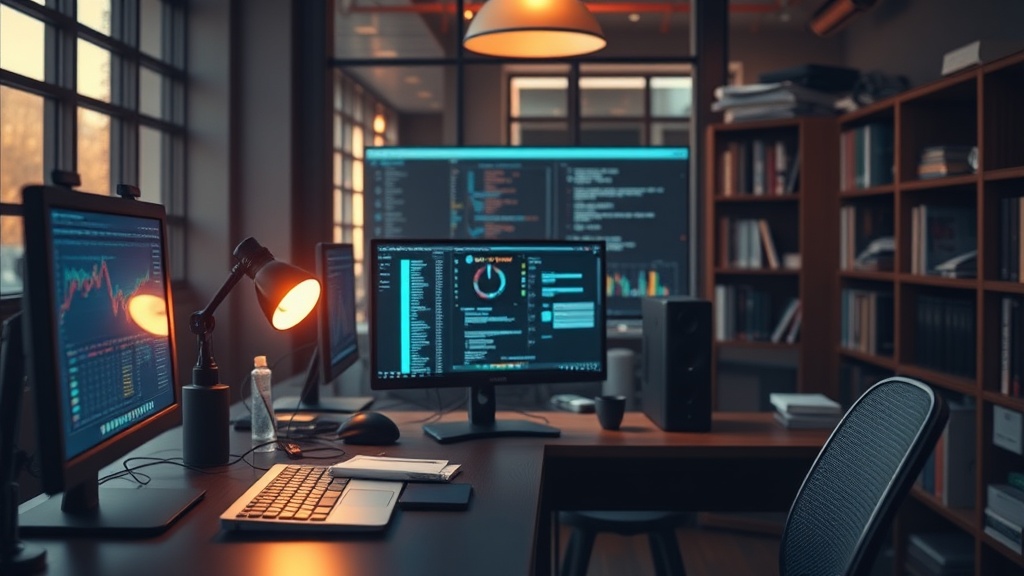
This is a frequent debate among students. A second monitor can significantly increase productivity by allowing you to have a textbook or a lecture video on one screen and your note-taking application on the other. This eliminates the constant Alt-Tabbing that breaks your focus. However, it can also be a source of distraction if you're using the second screen to watch Netflix while "studying."
If you decide to go the dual-monitor route, use them strategically. One screen should be your primary workspace (the one you're typing in), and the second should be your reference screen. This setup mimics the physical experience of having a book open next to your notebook. If you are on a budget, even a cheap tablet can serve as a secondary display for reading digital textbooks, keeping your main laptop screen free for actual writing and computation.
Remember, your digital workspace is a tool, not a collection. Every file, tab, and application should serve a purpose. If it doesn't, it's just noise. By refining these digital habits now, you're not just preparing for your next exam—you're building a professional workflow that will serve you long after you leave the classroom.